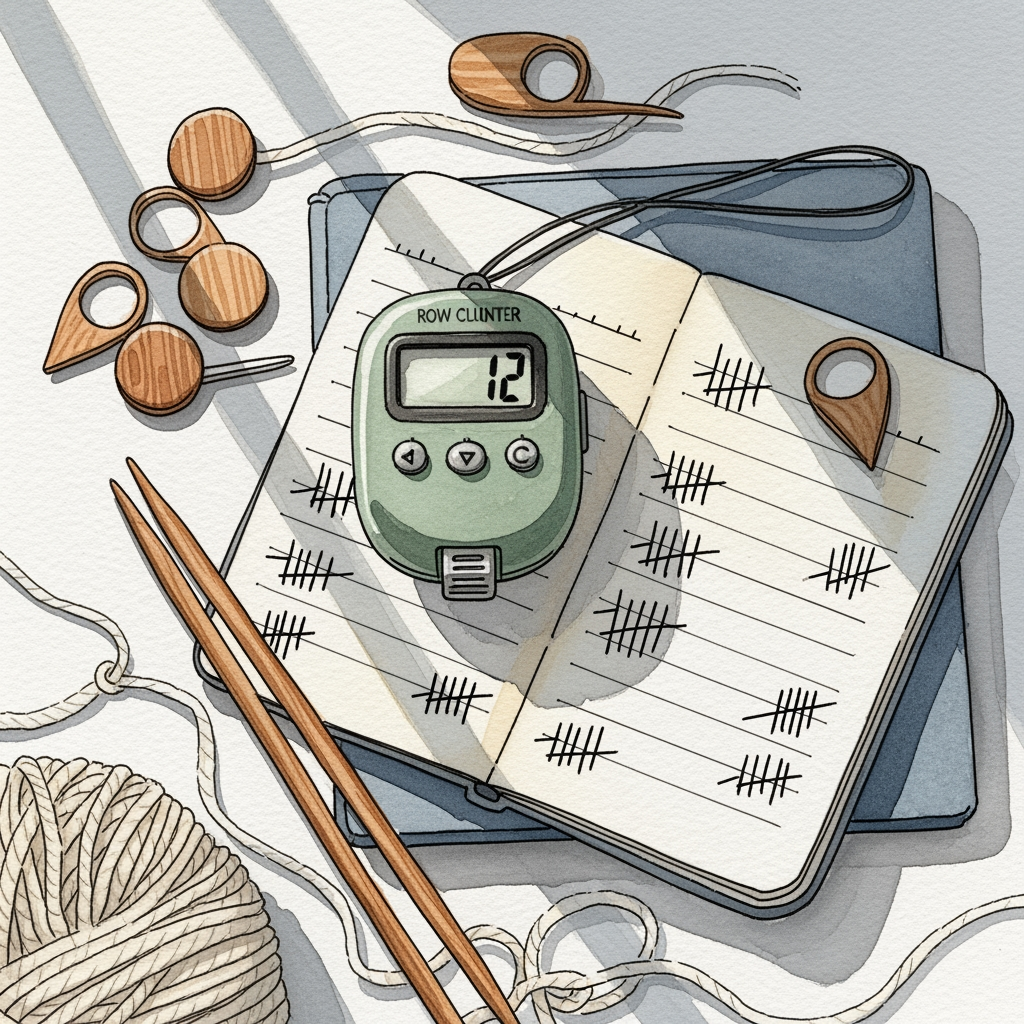
6 Best Digital Row Counters for Comfortable Use
Find your perfect match with our guide to the 6 best digital row counters. Improve your knitting flow and comfort with these top-rated, ergonomic tools.
Keeping track of your rows is the difference between a perfectly symmetrical sweater and a frustrating case of "oops, I dropped a pattern repeat." Whether you are working on a complex cable chart or a simple stockinette blanket, a reliable counter keeps your focus on the rhythm of your needles rather than the math. These six tools represent the best ways to ensure your project stays on track from cast-on to bind-off.
Knitters Pride Kacha Kacha: Best Overall Counter
The Kacha Kacha is the gold standard for a reason: it is tactile, reliable, and incredibly satisfying to use. The oversized button provides a distinct "click" that confirms your input without requiring you to look down at your hands.
This counter is ideal for long sessions where muscle memory takes over. Because it sits comfortably in your palm or on your project bag, you don’t have to fiddle with tiny switches while managing slippery lace-weight yarn or heavy wool.
The trade-off here is size; it isn’t the most portable option for a tiny project pouch. However, if you want a tool that won’t accidentally reset or fail mid-row, this is the one to reach for.
Cocoknits Leather Finger Counter: Best for Style
If you appreciate the aesthetic of high-quality tools, this leather-encased counter is a beautiful addition to your kit. It feels substantial in the hand and offers a sophisticated alternative to the often-clunky plastic options on the market.
Beyond the look, the leather provides a soft, grippy surface that feels natural against your skin. It is particularly useful if you are sensitive to the "cold" feel of plastic or metal tools during long winter knitting sessions.
Be aware that style comes at a premium price point. While it functions perfectly, you are paying for the craftsmanship and the tactile pleasure of using a premium material.
Clover Kacha-Kacha Mini: Best Compact Counter


The Mini version of the classic Kacha-Kacha is a miracle of efficiency for the minimalist knitter. It maintains the same satisfying click mechanism as its larger sibling but fits discreetly into any notions tin or small notions pouch.
This is the perfect choice for sock knitters who carry their projects everywhere. When you are working on 2.25mm needles in a crowded space, you don’t want a bulky counter taking up precious room in your lap.
The only downside is the smaller button, which can be slightly harder to hit if you have limited dexterity. If you prefer a tool that disappears until you need it, this is your best bet.
Susan Bates Digital Counter: Best Budget Pick

You don’t need to spend a fortune to keep your rows in check, and the Susan Bates digital counter is a testament to that. It is a straightforward, no-nonsense tool that gets the job done without any unnecessary bells or whistles.
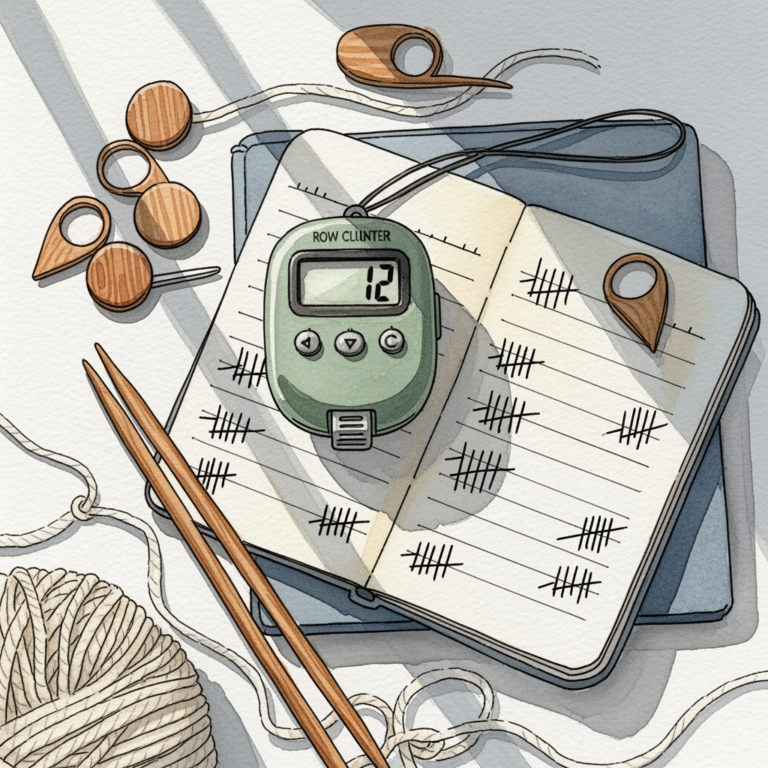
It is lightweight and features a simple screen that is easy to read at a glance. This is a great "starter" tool for a new knitter who isn’t sure yet if they prefer digital counters over traditional paper tally marks.
Because it is an entry-level tool, the build quality is plastic-heavy and may not survive years of heavy abuse. Keep it in a protected pocket of your project bag to ensure the screen doesn’t get scratched or damaged.
Row Counter App by Smart Knit: Best Digital Tool
Sometimes the best tool is the one you already have in your pocket. Using a smartphone app allows for complex tracking, such as multiple counters for different sections of a pattern, which is a lifesaver for intricate stranded colorwork.
Apps are excellent because they don’t get lost in the couch cushions. They often include features like voice activation or sync capabilities, meaning your progress is saved even if you lose your physical notions bag.
The drawback is the potential for distraction; it is easy to check your email while you should be working on your decrease rows. Use this only if you have the discipline to keep your phone in "do not disturb" mode while you knit.
Prym Ergonomic Finger Counter: Best for Comfort

The Prym counter is designed specifically to be worn on the finger like a ring, which is a game-changer for knitters who dislike putting their needles down. It is lightweight and contoured to stay out of the way of your yarn tension.
This tool is particularly helpful for those with arthritis or hand fatigue. By eliminating the need to reach for a separate counter, you maintain a smoother, more ergonomic flow while you work.
The strap can be a bit finicky for some finger sizes, so it may take a moment to find the perfect fit. Once it is adjusted, it becomes a seamless part of your knitting process.
How to Choose the Best Digital Row Counter for You
Choosing the right counter depends entirely on your knitting personality. Do you prefer a physical "click" that you can feel, or are you comfortable with a digital screen?
Consider your project type:
- Complex Lace or Cables: You need a counter that can track multiple repeats simultaneously, making an app the superior choice.
- Simple Stockinette: A basic, durable clicker is more than sufficient and less prone to technical failure.
- Travel Knitting: Prioritize size and durability to ensure your counter survives the commute.
Ultimately, the best counter is the one you actually remember to use. If you find yourself forgetting to click, look for a style that sits directly on your finger or is attached to your needle.
Why Use a Row Counter Instead of Paper Tracking
Paper tracking is classic, but it is notoriously easy to lose your place if the paper gets wet, torn, or misplaced. A digital counter offers a permanent, secure record of your progress that won’t fade or get erased by a stray pencil mark.
Furthermore, digital counters allow for faster, one-handed operation. When you are deep in a rhythm, stopping to find a pen and paper breaks your flow and increases the likelihood of making a mistake.
Digital tools also provide a sense of momentum. Seeing that number climb row by row is a powerful motivator when you are halfway through a long, monotonous project like a stockinette sweater.
Essential Features for Knitting Row Counter Tools
When shopping for a counter, look for these non-negotiable features:
- Locking Mechanism: Prevents accidental button presses when the tool is inside your bag.
- Backlit Screen: Essential for knitters who enjoy working in lower light or during evening hours.
- Tactile Feedback: A physical click or vibration helps confirm the count without requiring visual verification.
Avoid tools with overly sensitive buttons that reset too easily. There is nothing more heartbreaking than finishing a project only to realize you accidentally bumped the reset button three weeks ago.
Troubleshooting Common Digital Counter Issues
If your digital counter stops working, the first culprit is almost always the battery. Keep a spare set of coin-cell batteries in your notions kit, as these small devices tend to drain power unexpectedly.
If the display is flickering or unresponsive, check for moisture or yarn fibers trapped in the button mechanism. A quick blast of compressed air or a gentle wipe with a dry cloth often solves the problem.

If you find yourself constantly forgetting to click, try attaching the counter to your project bag’s zipper. By making the counter a physical barrier you must pass before putting your project away, you build a habit that becomes automatic.
Finding the right row counter is a personal journey that depends on your unique knitting style and the complexity of your patterns. Whether you choose a high-tech app or a simple, satisfying clicker, the goal is to reduce the mental load so you can enjoy the craft. Pick the tool that feels most natural to you, and watch your project grow one row at a time.