6 Best Row Counter Apps For Tablet Users To Try
Enhance your knitting workflow with our top 6 tablet-friendly row counter apps. Discover intuitive tools designed to track your progress and simplify patterns.
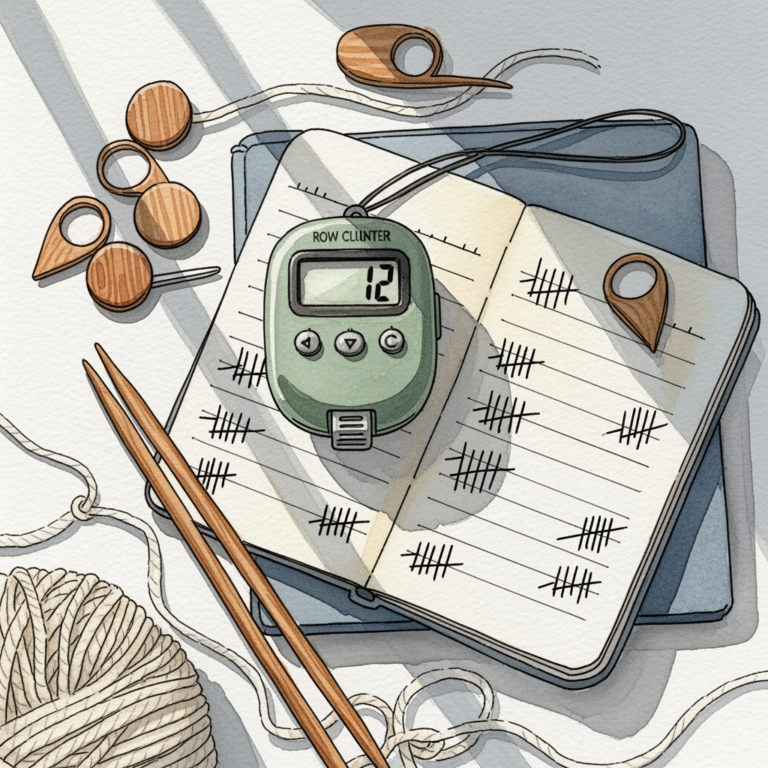
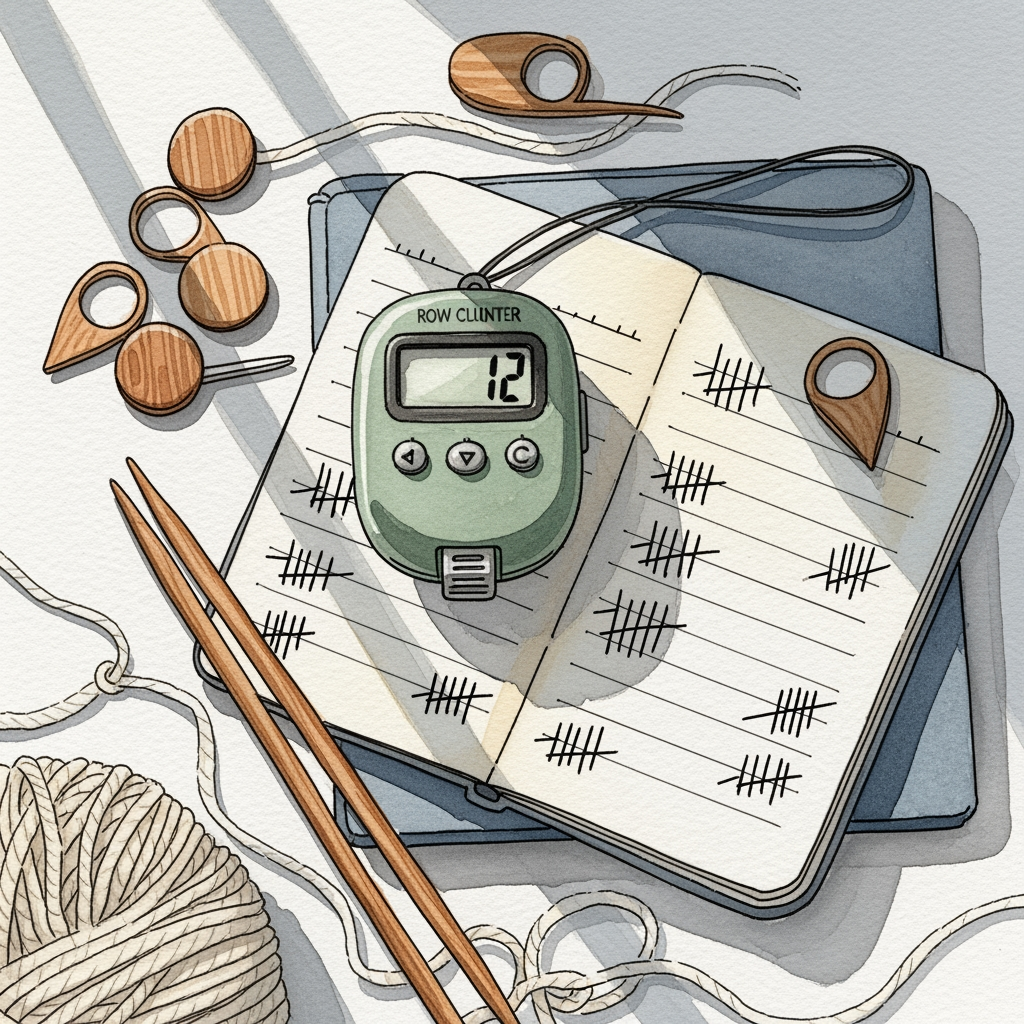
Transitioning from a physical clicker to a tablet-based row counter is the single greatest upgrade you can make for your knitting workflow. These digital tools do far more than track numbers; they act as a command center for your complex lace, cables, and colorwork. By integrating your pattern directly into your tracking system, you eliminate the cognitive load of switching between a paper chart and a manual counter. Here are the six best apps to help you keep your stitches on track and your sanity intact.
KnitCompanion: Best Overall App for Complex Charts
KnitCompanion is the gold standard for knitters who live for complex, multi-page lace or stranded colorwork charts. Its ability to "set up" a pattern by cropping and zooming into specific sections is a game-changer for those working on intricate projects with small print.
The app’s standout feature is the customizable highlighter bar, which allows you to track your exact row across a chart without losing your place. If you are working on a complicated Shetland shawl, this tool ensures you don’t accidentally skip a yarn-over or a decrease during a long row.
However, the feature-rich interface can feel overwhelming for a beginner just starting a basic garter stitch scarf. It requires a bit of a learning curve to master the setup, but for advanced makers, the investment in time pays off in fewer dropped stitches and less ripping back.
BeeCount: Simple Interface for Minimalist Knitters
If you find that most apps are bloated with features you never use, BeeCount is your best bet. It focuses entirely on the act of counting, offering a clean, distraction-free interface that lets you get back to your knitting immediately.
This app is ideal for those who prefer to keep their pattern on paper but need a reliable, digital way to track rounds on a sock or a sleeve. Because it is so lightweight, it won’t drain your tablet’s battery during those long, meditative knitting sessions.
The tradeoff here is a lack of advanced pattern-reading capabilities. If you need to visualize your chart or annotate notes on your PDF, BeeCount won’t be enough. It is a specialized tool for a specific job: keeping the count simple and accurate.
Row Counter: The Best All-in-One Knitting Assistant
Row Counter bridges the gap between a simple tracker and a full-fledged pattern manager. It is incredibly user-friendly, making it a fantastic choice for knitters who want digital convenience without needing a degree in computer science to navigate the menus.
The app includes a voice-activated counting feature, which is a lifesaver when your hands are busy holding needles or managing delicate mohair yarn. You can simply say "next" to advance your row, keeping your focus entirely on your tension and stitch placement.


It also handles PDF imports with ease, allowing you to keep your pattern and your tracker in a single view. It strikes a perfect balance between functionality and ease of use, making it a reliable companion for almost any project type.
Pocket Knitting: Great for Pattern Organization

Pocket Knitting excels at keeping your digital library tidy and accessible. If you are the type of knitter who has dozens of patterns saved across various devices and emails, this app acts as a central hub to organize your queue.
The app allows you to link your Ravelry account directly, meaning your patterns are imported with all their metadata intact. This is particularly helpful when you need to quickly check your gauge or yarn requirements while standing in the yarn store aisle.
While it is excellent for organization, it is perhaps less robust in its advanced charting tools compared to KnitCompanion. It is best suited for the knitter who values a well-organized project library over complex, interactive chart manipulation.
My Row Counter: Best for PDF Pattern Annotations

My Row Counter is built for the knitter who loves to scribble notes in the margins of their patterns. It makes annotating PDFs seamless, allowing you to highlight rows, circle stitch counts, or add reminders about where you left off on a complex cable repeat.
Being able to write directly on the pattern is essential when you are making modifications, such as adjusting the length of a sweater or changing the width of a cuff. These digital notes ensure you don’t lose track of your custom math halfway through a project.
The interface is intuitive and feels very much like working with a physical pattern, just with the added benefit of a digital counter. It is a great middle-ground for those who miss the tactile nature of paper but want the safety net of a digital tracker.
Knitting Chart: Excellent for Custom Design Work
Knitting Chart is a powerful tool for those who like to design their own motifs or modify existing patterns. It allows you to create your own charts from scratch, which is invaluable if you are drafting a custom colorwork yoke or a unique lace repeat.
The app provides a robust set of symbols and tools that make chart creation feel professional and precise. If you are a designer or a knitter who enjoys "kit-bashing" patterns together, this app provides the creative freedom you need.
Because it is so powerful, it is definitely overkill for someone just looking to track rows on a simple hat. However, for the ambitious maker, it is an essential piece of software that turns your tablet into a design studio.
Why Tablet Apps Outperform Traditional Clickers
Traditional clickers are prone to being bumped, dropped, or forgotten in a project bag. When you use a digital app on a tablet, the counter is locked to the specific project file, ensuring you never accidentally reset your progress.
Furthermore, tablet apps provide a visual context that a plastic clicker simply cannot. Seeing your current row highlighted against the backdrop of the actual pattern reduces the "did I do that row?" anxiety that plagues many knitters.
Digital apps also offer long-term project history. You can look back at a sweater you finished two years ago and see exactly how long it took you or what modifications you made, which is impossible with a basic manual counter.
Essential Features to Look for in Knitting Apps
When choosing an app, prioritize PDF integration and syncing capabilities. You want an app that can handle your existing library and keep your progress updated across your phone and tablet.
Look for features like voice control or large, tap-friendly buttons. If you are knitting with sticky or fuzzy fibers like angora, you don’t want to be fumbling with tiny, precise touch points while your hands are covered in fiber.
Finally, consider the customization of the counter. Can you set up multiple counters for one project? This is essential for projects with multiple elements, such as a sweater where you need to track both the sleeve length and the body increases simultaneously.
Syncing Your Knitting Progress Across All Devices
Syncing is the secret to never losing your place. By using an app that supports cloud syncing, you can start your project on your tablet at home and then pull up your progress on your phone while knitting on the bus or at a coffee shop.
Always check to see if the app syncs automatically or requires a manual push. Automatic syncing is generally safer, as it prevents the common error of forgetting to update the server before closing the app on one device.
If you are a knitter who travels, ensure your app has an offline mode. You don’t want to be stuck on a plane or in a remote cabin unable to access your pattern because the app requires a constant internet connection to function.
How to Manage Multiple Projects in Digital Apps
The best way to manage multiple projects is to treat each digital file as a dedicated project folder. Keep your pattern, your notes, your gauge swatch data, and your row count all in one place within the app.
Use the app’s tagging or folder system to categorize projects by status—such as "In Progress," "Hibernating," or "Finished." This prevents your dashboard from becoming cluttered and helps you prioritize which project to pick up next.
Don’t be afraid to archive finished projects. Keeping your active dashboard clear of completed work makes it much easier to find the project you are currently working on, especially when you are switching between a complex project and a mindless "TV knitting" project.
Choosing the right row counter is a personal decision that depends heavily on your specific knitting style and the complexity of your projects. Whether you opt for the feature-rich KnitCompanion or the streamlined simplicity of BeeCount, the goal is always the same: to remove the friction between you and your yarn. By embracing these digital tools, you can spend less time worrying about your row count and more time enjoying the rhythm of your needles. Happy knitting, and may your rows always be even.